

Rushino App
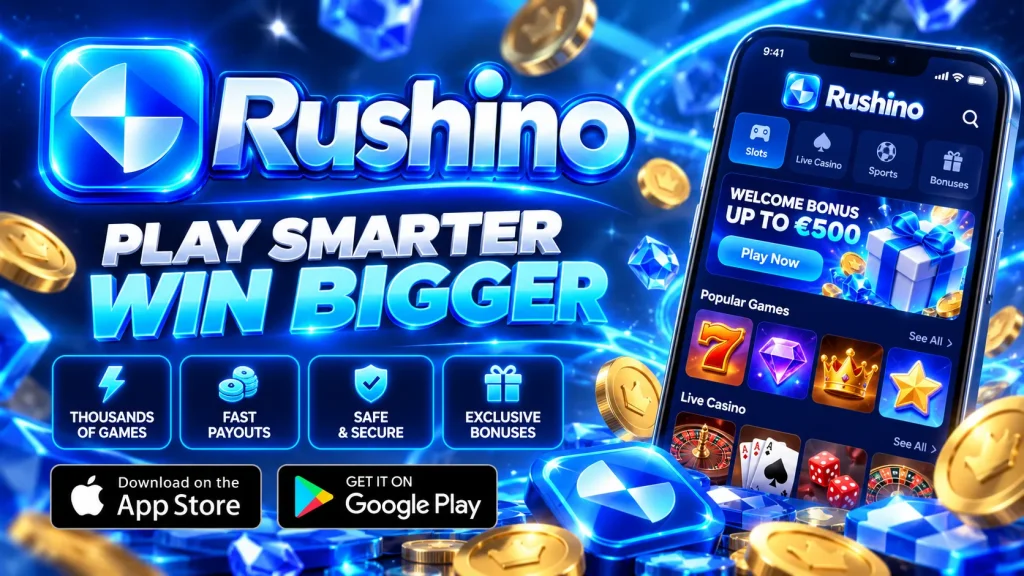
Welcome to our official guide to the Rushino app and the wider Rushino mobile experience. We wrote this page to explain, plainly, how to play with us on a phone or tablet, what works well, and where the trade-offs are. Gambling carries risk and is meant as entertainment only, never as a way to earn money. You must be of legal age in your province (19+ in most of Canada, 18+ in Alberta, Manitoba and Quebec) to use our services.
Rushino Mobile: App or Browser?
Most of our players reach us through the mobile browser, so we built Rushino to be fully responsive. The layout adapts to portrait and landscape screens, menus sit within thumb reach, and the cashier, game lobby and support chat all work on small displays.
For people who want an app-like feel, we offer a home-screen shortcut that opens the site in its own full-screen window. This is what we mean by the Rushino casino app: a light web app rather than a heavy download. The upside is that it takes almost no storage, updates automatically and never needs a manual update. The downside is that it depends on a live internet connection, so there is no offline play, and some device-level features, such as rich push notifications, can be more limited than in a store-installed app.
If we ever release store versions, we will announce it on our official site only. Treat any other source with caution.
How to Install the Rushino App on Your Phone
Setting up the Rushino app download shortcut takes about a minute and no store account is required. Always start from our official website, never from a link in a message or an unfamiliar ad.
Rushino App Android
On Android, open our site in Chrome or another up-to-date browser and log in or register. Tap the three-dot menu in the corner and choose “Add to Home screen” or “Install app”. Confirm the name, and an icon appears with your other apps.
You do not need to enable installation from unknown sources, and you should never do so for a casino file you found elsewhere. We do not ask players to side-load APK files from third-party sites, and any such file claiming to be ours should be treated as unsafe. If the install option does not appear, update your browser, clear its cache and try again.
Rushino App iOS
On an iPhone or iPad, open our site in Safari, since other iOS browsers may not show the install option. Tap the Share icon at the bottom of the screen, scroll down and select “Add to Home Screen”. Name the shortcut, tap Add, and the icon will appear on your home screen.
The shortcut launches without the Safari address bar, which gives a cleaner, app-style view. Because it is the same site underneath, your balance, game history and settings always match what you see on desktop. If something looks outdated, close the shortcut fully and reopen it. Keep iOS updated for the best compatibility and security.
Device Requirements and Performance
Rushino mobile does not demand a flagship phone, but a stable connection matters more than raw power, especially for live dealer streams. The table below shows our practical guidance rather than strict limits.
| Item | Our recommendation |
|---|---|
| Android | Recent version with an up-to-date Chrome or similar browser |
| iOS / iPadOS | Recent version with current Safari |
| Storage | Minimal, as the shortcut is a web app |
| Connection | Wi-Fi or solid 4G/5G; live games need steadier speeds |
Slots usually load quickly on a good connection, while live tables use more data because they stream video. If you play on mobile data, consider checking your plan allowance. If a game stutters, closing background apps and switching networks usually helps.
What You Can Do in the Rushino Casino App
The mobile version gives you the same core account tools as desktop, so you are not limited to a cut-down experience. From your phone you can:
- Browse and search the game lobby, including slots, table games and live dealer titles from licensed software providers.
- Deposit and withdraw using the methods shown in your cashier, which can vary by province and account status.
- Check your balance, transaction history and any active promotions along with their terms.
- Update personal details and contact preferences.
- Reach customer support through the help section.
Every game has a built-in house edge, which means results are driven by chance and the odds favour the casino over time. No feature in our mobile product changes that. Read the rules and the terms of any bonus before you accept it, and play only with money you can afford to lose.
Registration, Verification and Security on Mobile
You can register directly on your phone in a few minutes by providing accurate personal details. We are required to verify identity and age, so expect to upload a photo of an ID document and possibly proof of address. Your phone camera makes this quick, and completing verification early can avoid delays when you first request a withdrawal.
Our site uses encrypted connections, so check for the padlock icon in your browser. We operate under a gambling licence, and our games come from providers whose titles are independently tested for fairness; licensing details are available in the site footer. To protect your account on mobile:
- Use a strong, unique password and enable any extra login protection available.
- Lock your phone with a PIN or biometrics.
- Avoid public Wi-Fi when making payments.
- Log out on shared devices.
Responsible Gaming on Rushino Mobile
Play should stay enjoyable, and our responsible gaming tools are reachable from your account on a phone as easily as on desktop. You can set deposit limits, loss limits and session time limits, use reality checks that remind you how long you have been playing, take a cooling-off break, or self-exclude if you need to step away for longer.
Some practical habits help: decide on a budget before you start, never chase losses, and avoid playing when tired, stressed or under the influence of alcohol. Gambling is not a solution to financial difficulties. If you feel your play is becoming a problem, contact ConnexOntario (1-866-531-2600), the Responsible Gambling Council, or your provincial support service. These services are free and confidential. Our services are strictly for adults of legal gambling age in their province.
Getting the Most from Rushino Mobile
Our aim with the Rushino mobile casino is simple: a fast, clear and secure way to play whenever you choose, with honest information about how it works. The home-screen shortcut gives you quick access without large downloads, while the browser keeps everything in sync across devices.
If you run into trouble installing the Rushino app, logging in or verifying your account, our support team is ready to help from within the site. Remember that games are entertainment with real financial risk, and outcomes can never be predicted or guaranteed. Set your limits first, play for fun, and stop when it stops being fun.